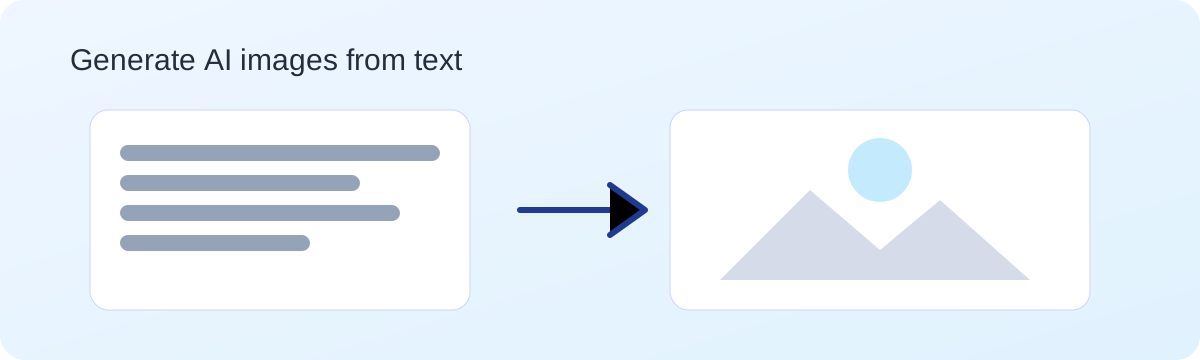
Turn a short description into a visual in seconds. The Ask AI image generator lets you create original images from text prompts without an account. Use it for mockups, concept art, presentation graphics, and creative exploration.
The quality of the result depends on prompt structure. Start with five components: subject, context, style, lighting, and composition. Instead of writing "cool poster," try "minimalist poster for a developer meetup, white background, blue accent shapes, bold sans-serif headline area, flat vector style." This level of detail gives the model clear constraints and produces cleaner first drafts.
Treat image generation like iterative design. First pass: establish direction. Second pass: tighten framing and visual hierarchy. Third pass: lock color palette and mood. Change one variable at a time so you can see exactly what improved or regressed. For marketing workflows and reusable templates, use AI image prompting for marketing teams.
Input: New productivity app for remote teams, launch campaign needs three visual directions.
Prompt: "Create a clean SaaS hero visual: remote team dashboard on laptop, warm morning light, modern flat illustration, blue/teal palette, 16:9 composition, no text."
Expected output shape: one focused hero concept with product context, readable composition, and consistent palette for landing-page testing.
Input: Weekly tips post for LinkedIn about debugging habits.
Prompt: "Design a square editorial illustration of a developer desk with sticky notes and terminal window, isometric style, neutral background, orange accent highlights, professional mood."
Expected output shape: social-safe square image, clear focal object, enough empty space for optional text overlay.
Avoid prompts with trademarked characters, personal data, or unsafe content. When you need help drafting text prompts before generating, use Getting Started with Ask AI and Use Cases.

Prompt: "A quiet coastal city under a green aurora, neon accents, cinematic lighting."

Prompt: "A glass forest at sunrise, soft pastel tones, dreamy atmosphere."
Prompt: "A small creative studio in orbit, clean shapes, modern sci-fi style."
A good prompt is specific but short. It includes subject, style, and mood. If you want a particular look, name it directly. If you want consistent results, keep your prompt structure the same and change one variable at a time.
Example template: "[Subject] in [style], [lighting], [color palette], [composition]." Use this template and refine it when you want a different vibe.
The Ask AI image generator is built for fast iteration. Designers can explore concepts before committing to production. Educators can create visuals for lessons. Marketers can test ideas for ads or social content. Creators can experiment with styles that would normally require a full studio setup.
If you need text help for your prompts, try the main Ask AI page to brainstorm descriptions, then return here to generate the final image.
Need help? Contact us at support@askai.ws.