AI Assistant Use Cases
Use these practical scenarios to choose the right prompt pattern for your task. Each section shows a repeatable way to move from a rough request to a more useful result.

Use these practical scenarios to choose the right prompt pattern for your task. Each section shows a repeatable way to move from a rough request to a more useful result.
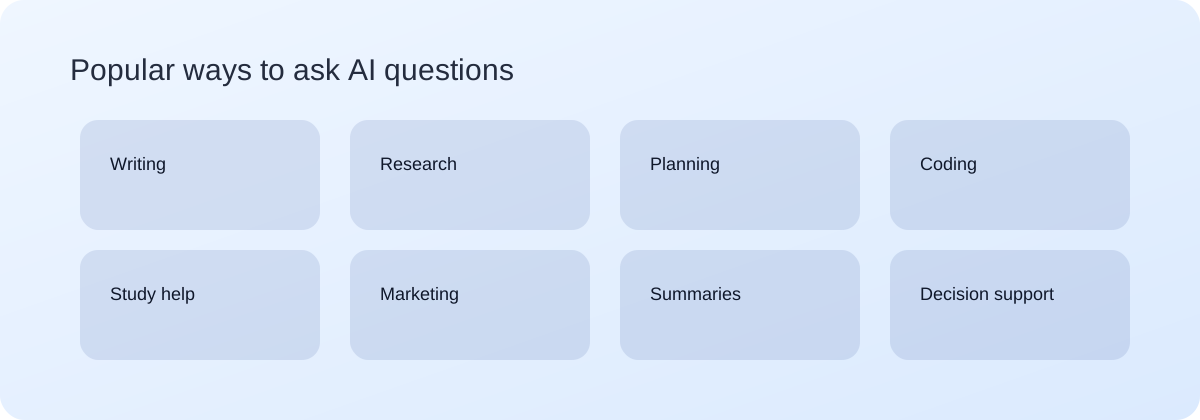
Draft updates, summarize meetings, and turn rough notes into action plans with owners and due dates. This is one of the fastest ways to reduce coordination overhead.
For deeper workflows, start with meeting notes and summaries with AI or the full guides library.
Break down complex topics, create structured study plans, and generate practice questions with answer keys.
For a complete workflow, read Study Plans with AI and AI for Research and Reading Notes.
Generate first drafts, improve clarity, and adapt tone by audience. For detailed workflows, visit writing professional emails with AI or browse the full guides library.
Share errors, expected behavior, and environment details to get better debugging support. Visit debugging with AI for structured examples.
Compare options, map tradeoffs, and build checklists with clear sequencing. This is useful for both personal planning and team execution.
Brainstorm campaign concepts, naming directions, and visual styles. Then use the guides library to convert ideas into production-ready prompt sets.
For visual campaigns, use AI Image Prompting for Marketing Teams before generating final image variations.
Use-case quality improves when the prompt pattern matches the task. If you need decisions, ask for comparisons and tradeoffs. If you need execution, ask for checklists with owners and dates. If you need communication output, ask for audience-specific tone and strict length limits. Choosing the right pattern first reduces revisions and improves confidence in the first draft.
A practical default pattern is: goal, context, constraints, and output format. For example: "Goal: summarize this meeting for leadership. Context: product launch delay due to dependency. Constraints: 6 bullets, direct tone. Format: status, risk, mitigation, decision needed." This single structure works across many use cases and keeps results readable.
Applying this quick checklist takes less than two minutes and prevents most low-quality AI usage patterns. It also improves consistency when multiple team members use Ask AI for similar tasks.
If you want longer examples and reusable prompt formats, continue into the guides library.
Pick one recurring task each week and improve it iteratively. Week 1: create a baseline prompt. Week 2: add better context. Week 3: enforce output structure. Week 4: build a quality review prompt. Save each improvement in a shared prompt library. Over one month, your team moves from inconsistent prompting to a documented workflow with faster and better outputs.
This routine is especially effective for status reporting, email drafting, meeting recaps, and planning documents. If you need deeper templates, the guides section includes long-form workflows with examples and FAQ.
Choose a use case, write a clear prompt, and run one focused revision. That simple loop is the fastest way to improve quality and speed.